Computer Game Graphic Types
2D sprites are basically images which you can manipulate,
when your image or character has been turned into a sprite you can then animate
it, change the colours, edit in Photoshop. You can use a sprite in programs
like Game Maker where you can animate your sprites to move around and do
different things during your level. 2D sprites will be mainly used in 2D games
as they aren’t 3D models, 2D sprites are easier to manipulate and can be
animated easily, they can also be used for GIF’s.

3D Isometric Sprites
3D isometric sprites are just like the 2D sprites but you
can use these in your 3D games, you can do everything that you did with the 2D
sprite to the isometric sprite. But with the 3D option you can do more as it’s
not just a flat surface, you can add textures and different tones to the sprite
to give your sprite an edge. 3D sprites are also useable in game engines such
as UDK, this type of program really brings your 3D sprites into life as you can
control them and give them objects like guns and health packs. 3D sprites are
more optional for your up to date 3D games but you can only use isometric
sprites in 3D games or else they won’t work.

Concept Art (Character, Weapon, Environment)
Character concept art is where the concept artist draws the
character in pretty good detail, the company their working for will give them
an idea of what they want the characters to look like then they will draw the
character and then give the designs to the 3D modeller to then progress on the
design. It is the same with the weapons and the environment etc… Of course it’s
different with the weapons and environment because each one will have its own
part. The concept art is generally used for the designs of the game, if it’s a character
or a weapon then it will go onto a 3D modeller to then make the actual objects.

Textures (Diffuse, Height maps etc…)
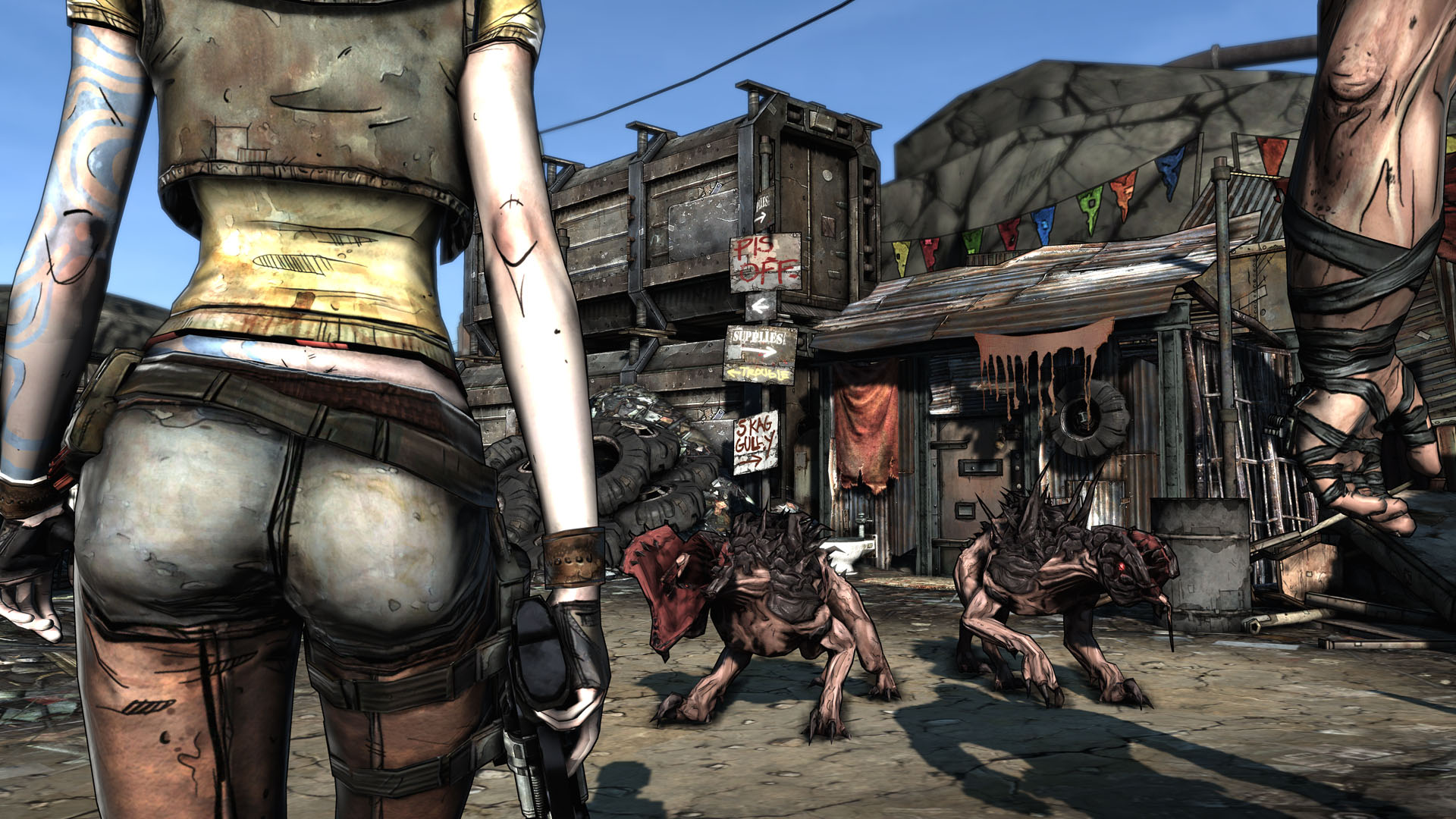
Textures are what are wrapped around characters, weapons etc…
to give the object more depth, colours and tones. Texture mapping is when a
texture map is applied to the surface of an object or polygon, each vertex in
the polygon is assigned a texture coordinate which allows the object to be
rendered. There are different types of textures they can range from normal,
specular and diffuse. Textures are used for giving the object more depth and a
quality finish, but can also be used for colour.
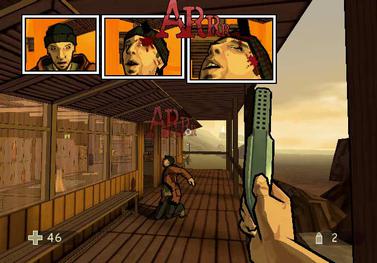
The in game interface can be from the start menu, to the in
game mission briefing in some cases. The in game interface can be a mini map in
the bottom corner of the screen, it is mainly the feedback that you receive on
the screen. The HUD can’t be distracting to the player as it will drive them
away from the main objective and could probably get you killed, so the graphics
can’t be too bright but you have to be able to see it. Sci-fi games have a good
basis for the in game interface and HUD as they are mainly light blues or see
through style lettering and numbers.

Printed Media (Box Art, Manual, Poster etc…)
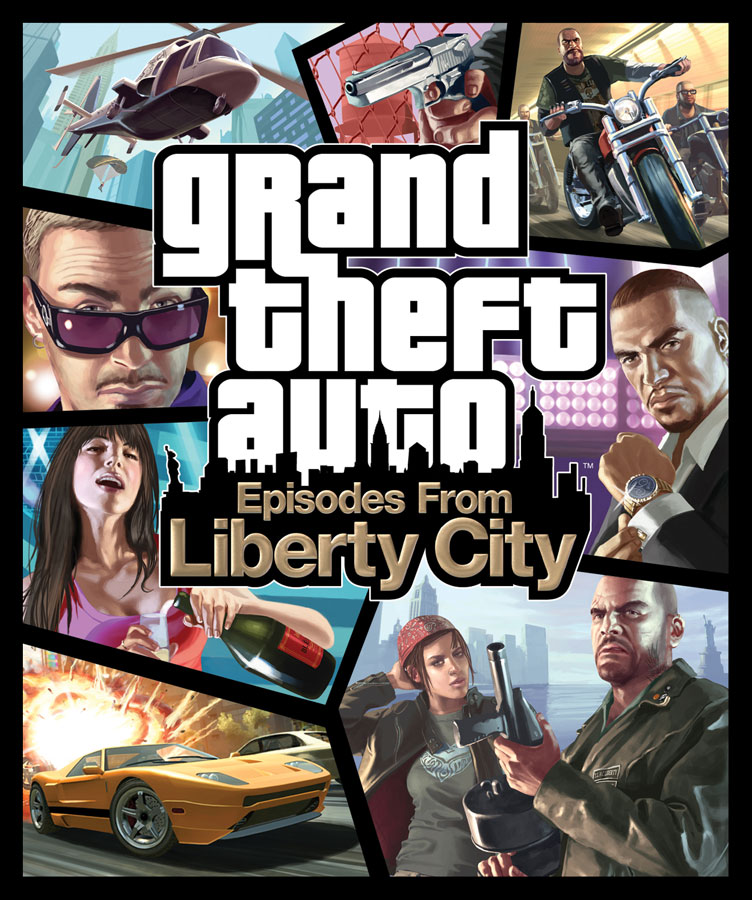
Box art is key when selling and promoting your game, when
you walk in the shop you have to be able to see the game and hope it catches
your eye, this is what companies are looking at when they are promoting their
games. In promotion, companies also try to sell special merchandise with their
games, there are examples of special edition copies which are sold with special
items like posters or actual in game items.